Setup
Dashboard Setup
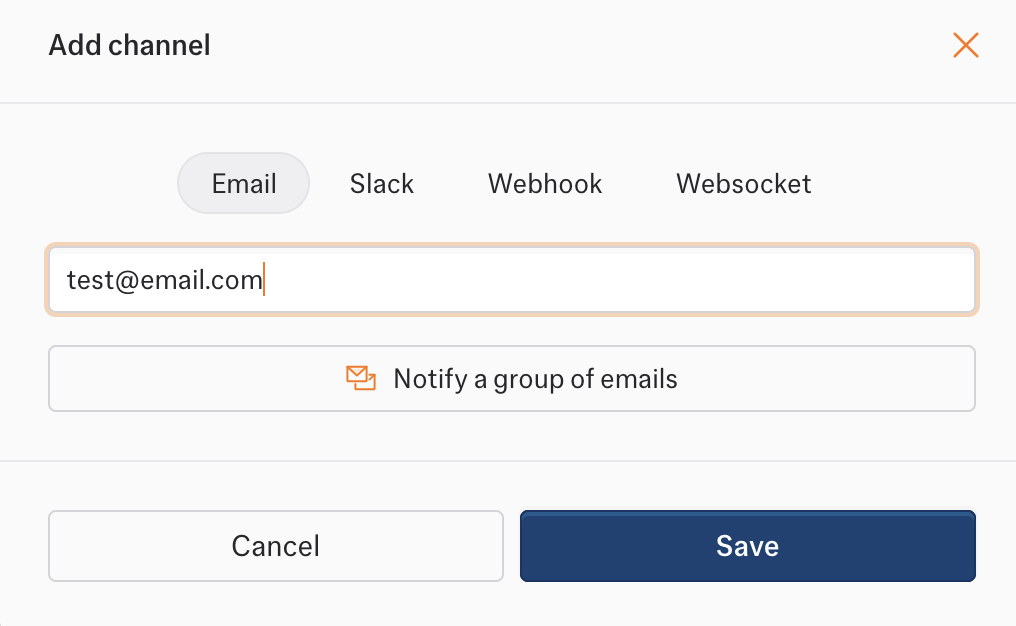
- Go to Notifications in the sidebar
- Click Add Channel → Email
- Add a single or group of recipient email addresses
- Save changes
- Single recipient
- Group of recipients

Email Templates
Each event type has a dedicated email template with relevant information.- workflow_data_change
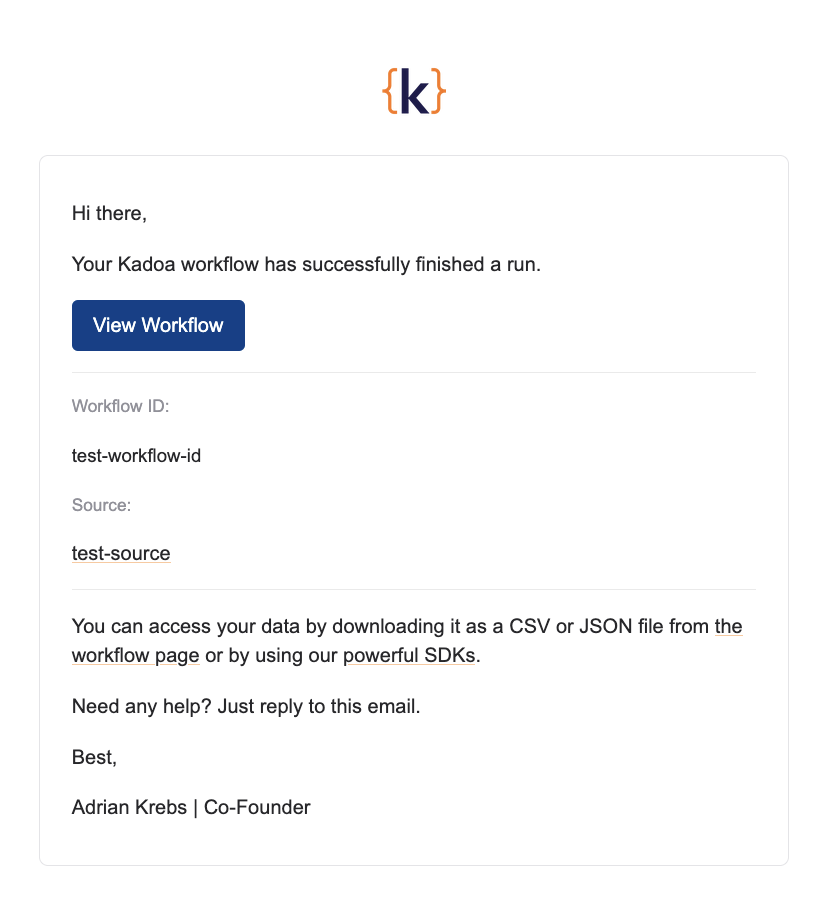
- workflow_finished
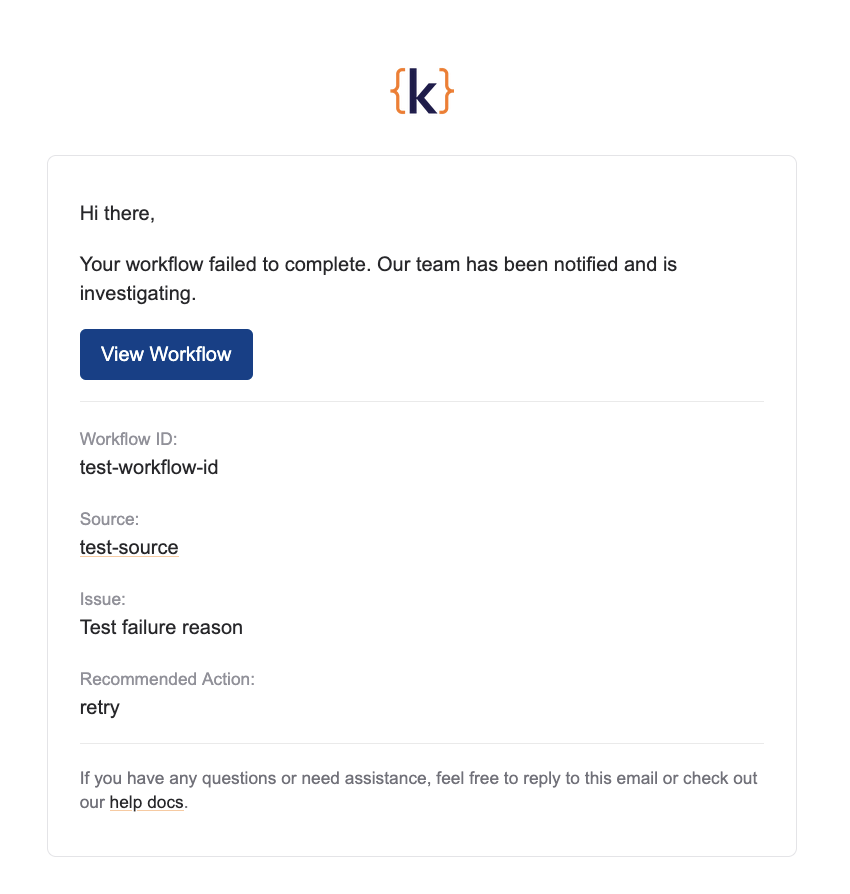
- workflow_failed
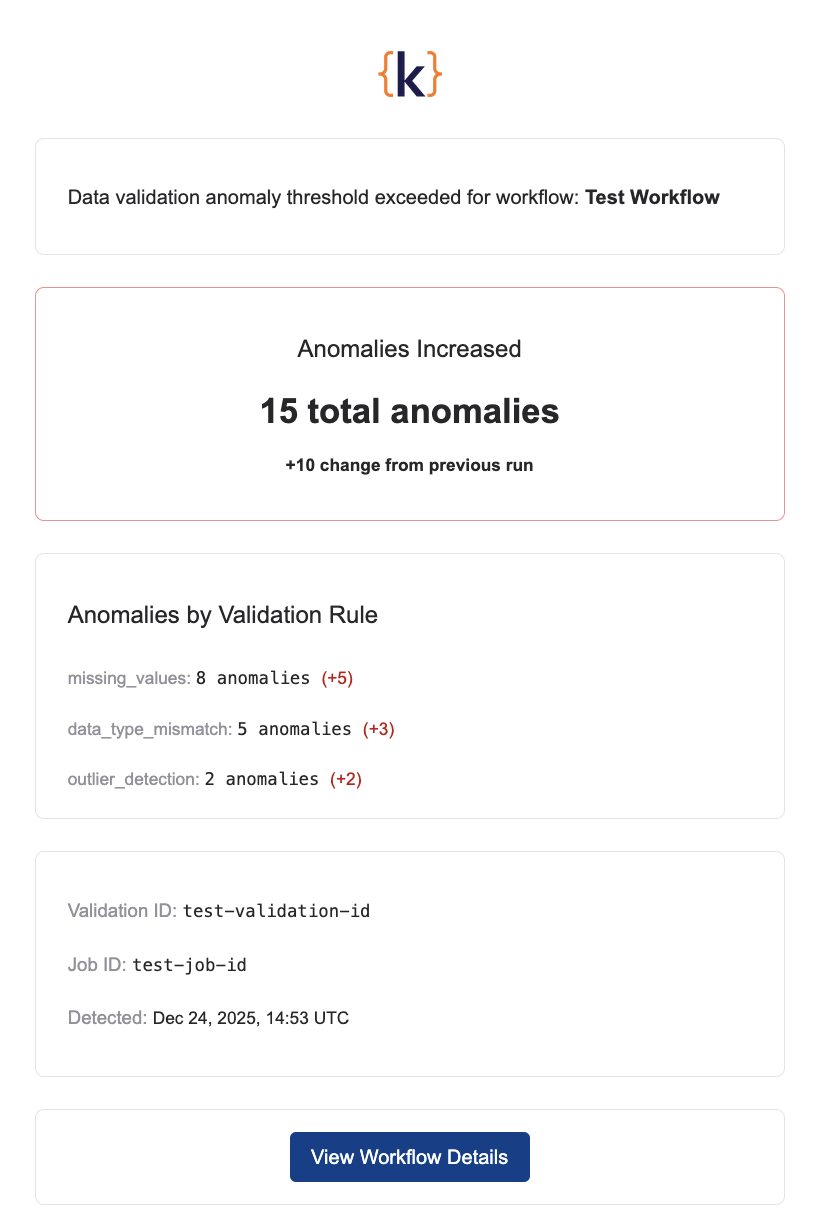
- workflow_validation_anomaly_change

System Emails
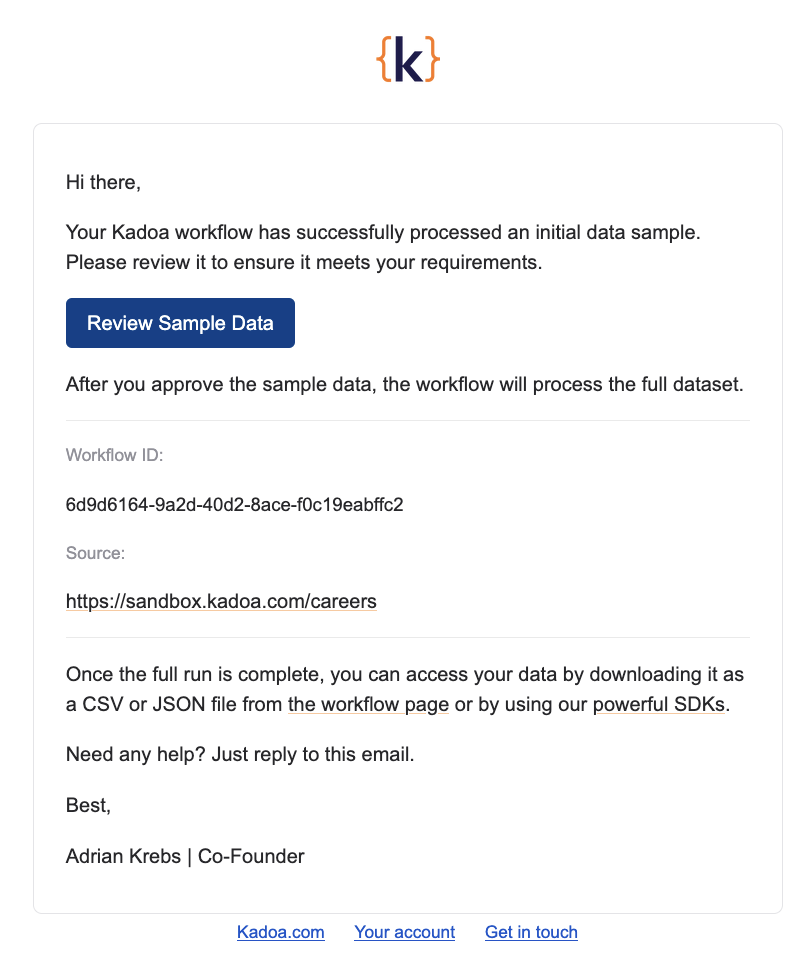
These emails are sent automatically and cannot be configured.- workflow_sample_finished
Sent to the workflow author when sample data is ready for review.