

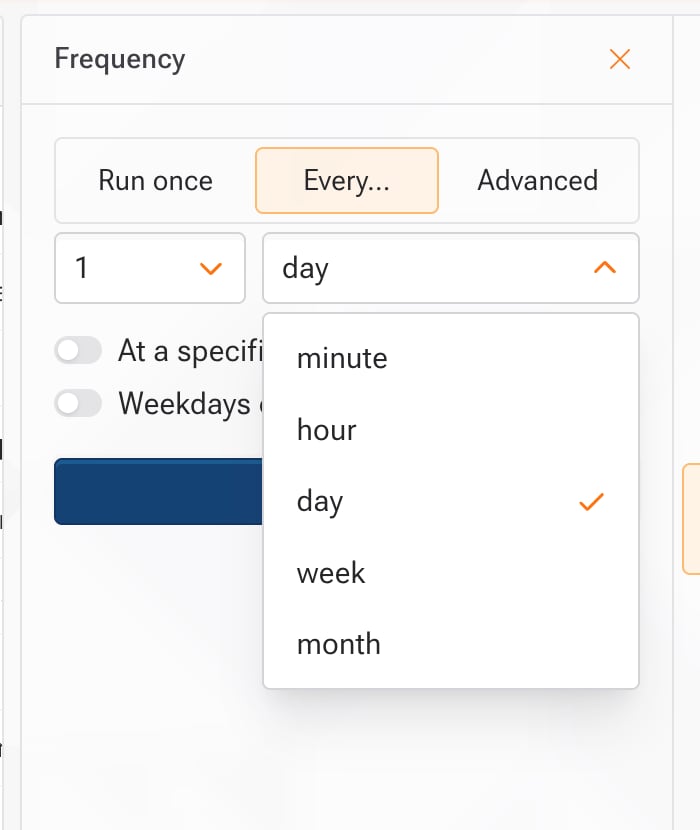
- When creating or editing workflow, click “Repeat” to set up regular updates.
- Choose an update frequency.
- Real-time monitoring is available on all plans.
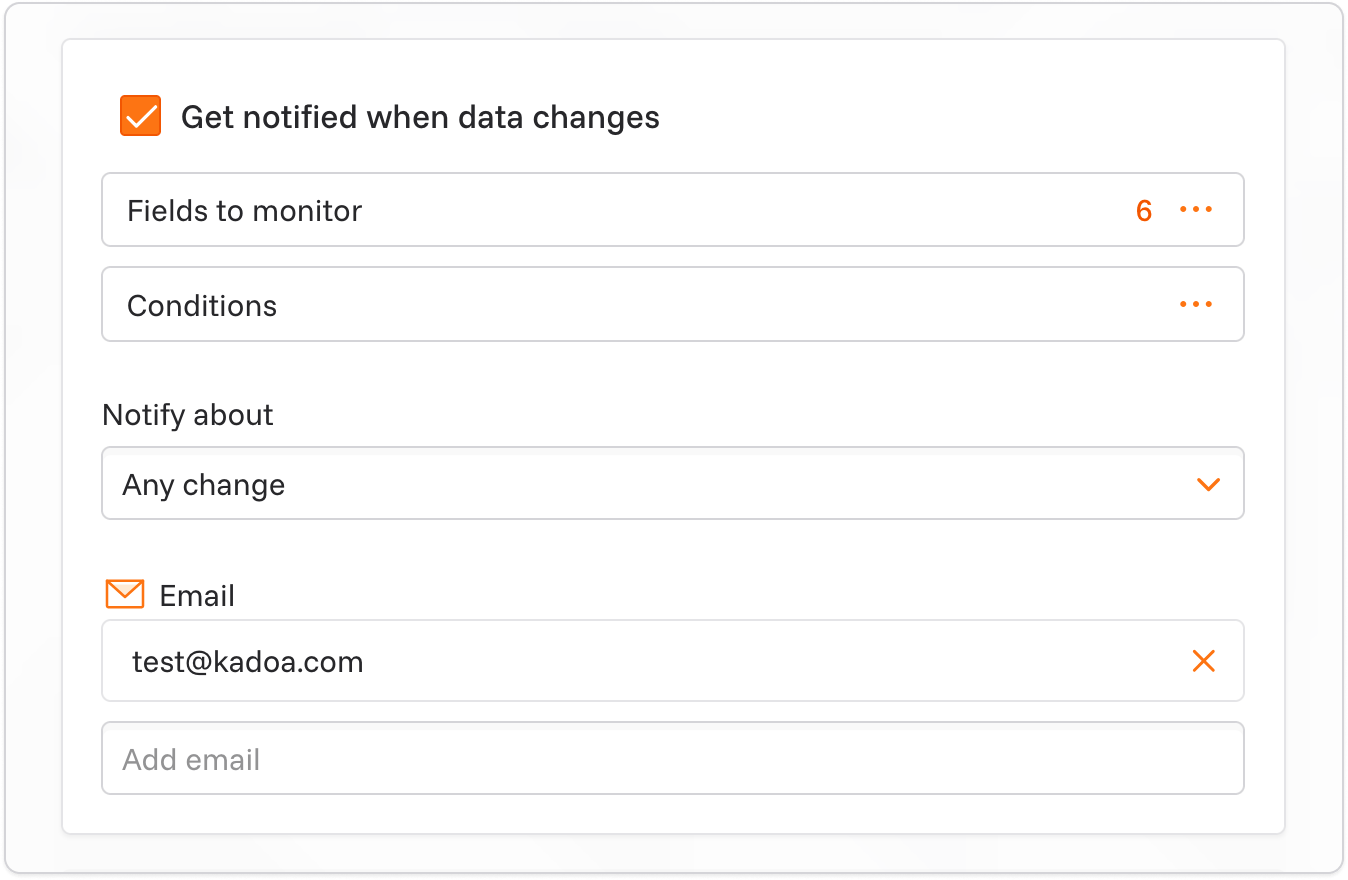
- click “Get notified when data changes”.
- In the monitoring settings, select the fields you want to track for changes.
- Select about what type of changes you want to be notified. We support 3 types of changes:
- All changes: Receive notifications for all changes (additions, modifications, and removals). Modifications require at least one schema key field; without a key, a modified record is reported as removed and added.
- Only added data: Receive notifications only for new data that has no exact match in the previous run.
- Only removed data: Receive notifications only for removed data.
- Optional: You can add conditions to the monitoring. For example, you can only receive notifications if the data has changed in a specific field and contains a specific value.
- Choose your preferred notification channel (email, Slack, webhooks, and more).