

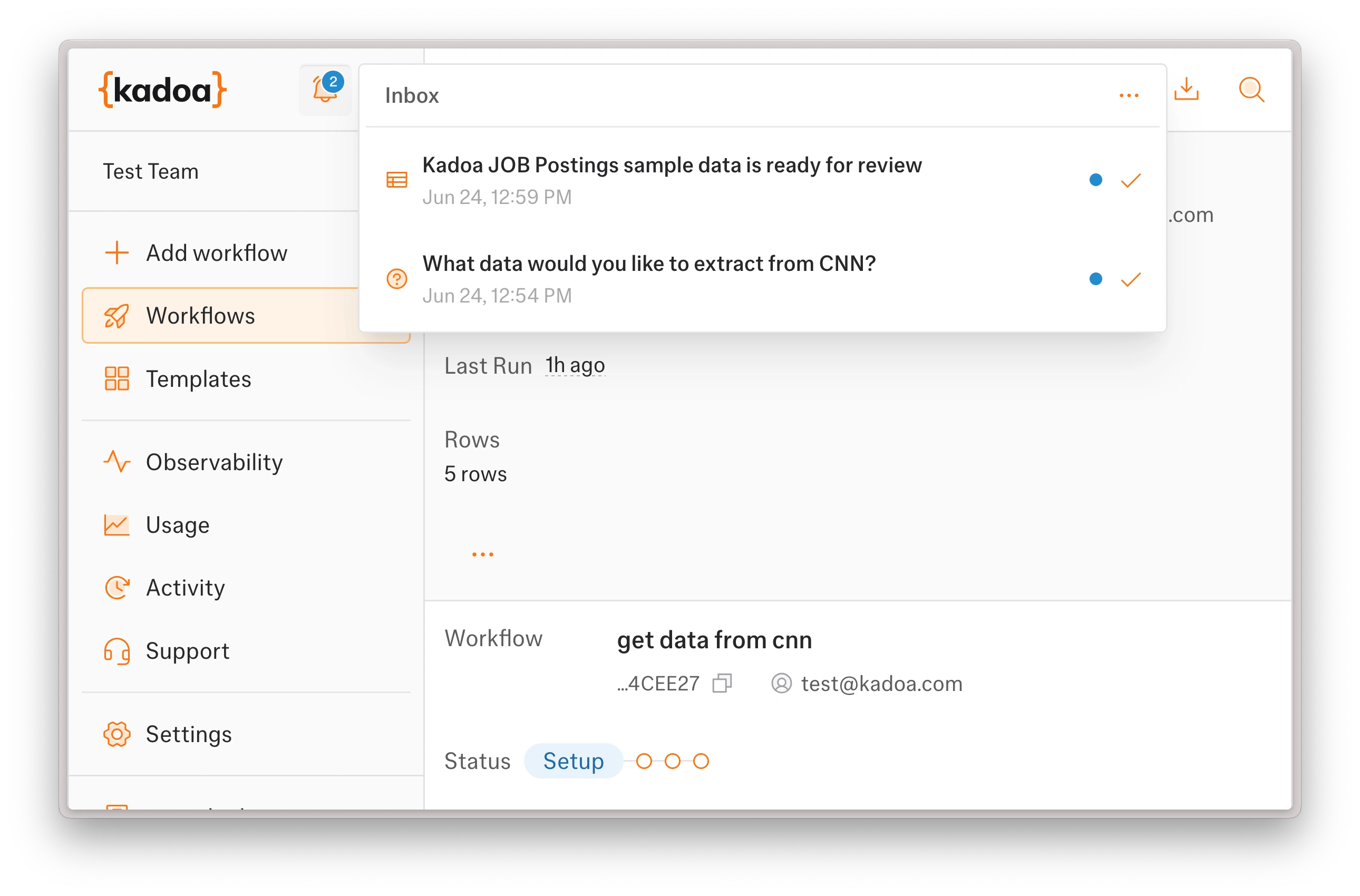
Each item links straight to its workflow. Your Inbox is personal — you only see items meant for you.
- Open an item to jump to its workflow. Unread ones show a blue dot and are marked read once you open them.
- Click the check icon to mark a single item as read without leaving the page.
- Open the menu to Mark all inbox items as read, or Delete all read inbox items.