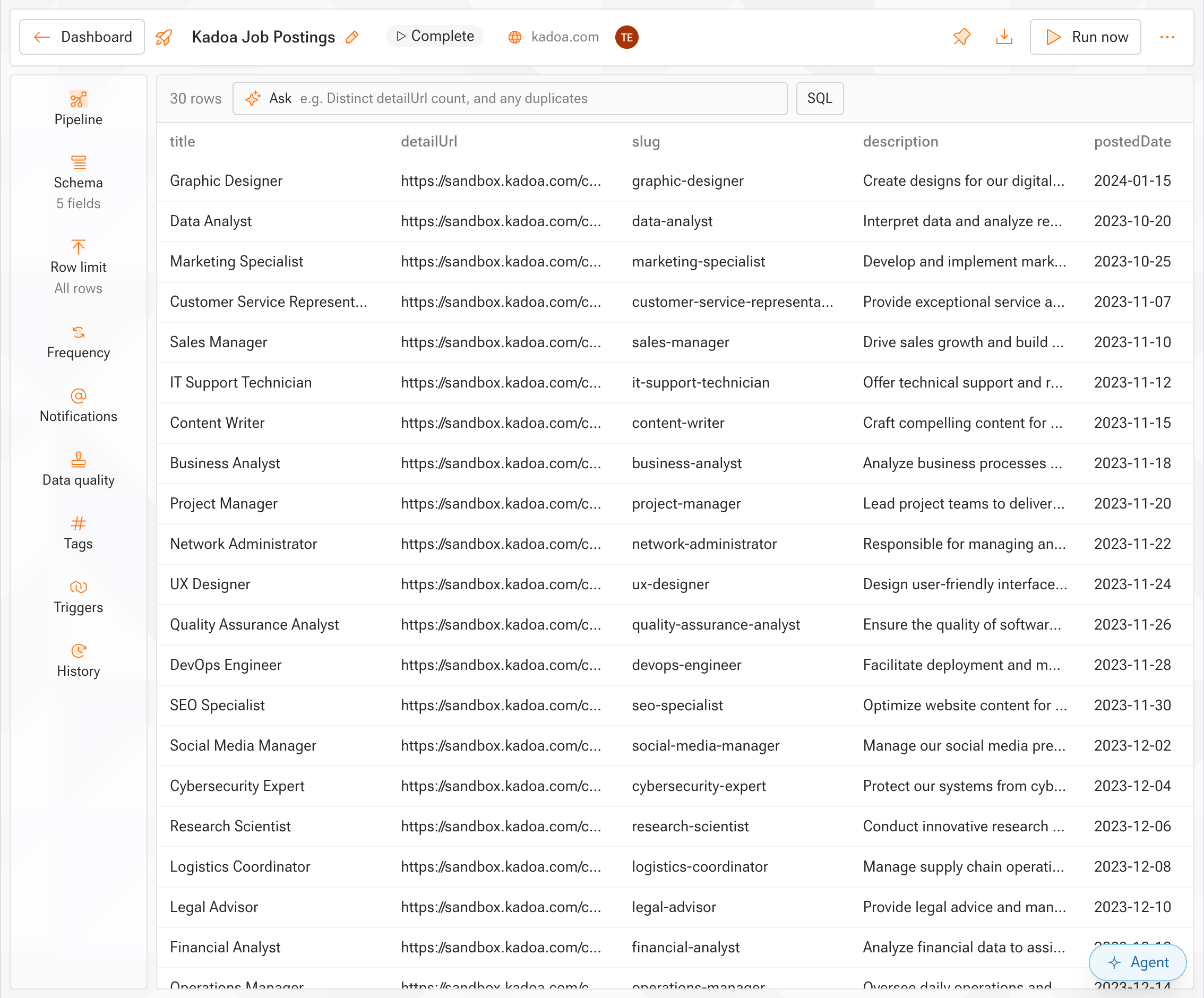
Workflow Types
Kadoa supports two types of workflows based on how they run:Real-Time Workflows
Recommended when latency is a top priority. Real-time monitors continuously watch a single page for changes and deliver alerts within seconds.Non Real-Time Workflows
Recommended for most use cases. Workflows run once or on a schedule (every 10 minutes to monthly), can navigate across multiple pages.Templates
Templates let you package a workflow’s configuration — prompt, schema, data validation rules, and notification settings — into a reusable, versioned unit. Link a template to multiple workflows to keep them in sync, then publish new versions to roll out changes across all linked workflows at once. See Templates (SDK) → for programmatic usage.Creating Workflows
Build with UI
Use our visual workflow builder to create and configure workflows without code.
Build with Code
Create workflows programmatically for automation and integration.
Learn More
- Prompts → - Tell Kadoa what to extract and how to get there
- Schemas → - Define what data to extract
- Templates → - Reuse prompt, schema, and notification settings across workflows
- States → - Understand workflow status and lifecycle
- Error Handling → - Handle and debug workflow failures