Create an email channel
- Go to Settings > Notifications.
- Under Channels, select Create channel and choose Email.
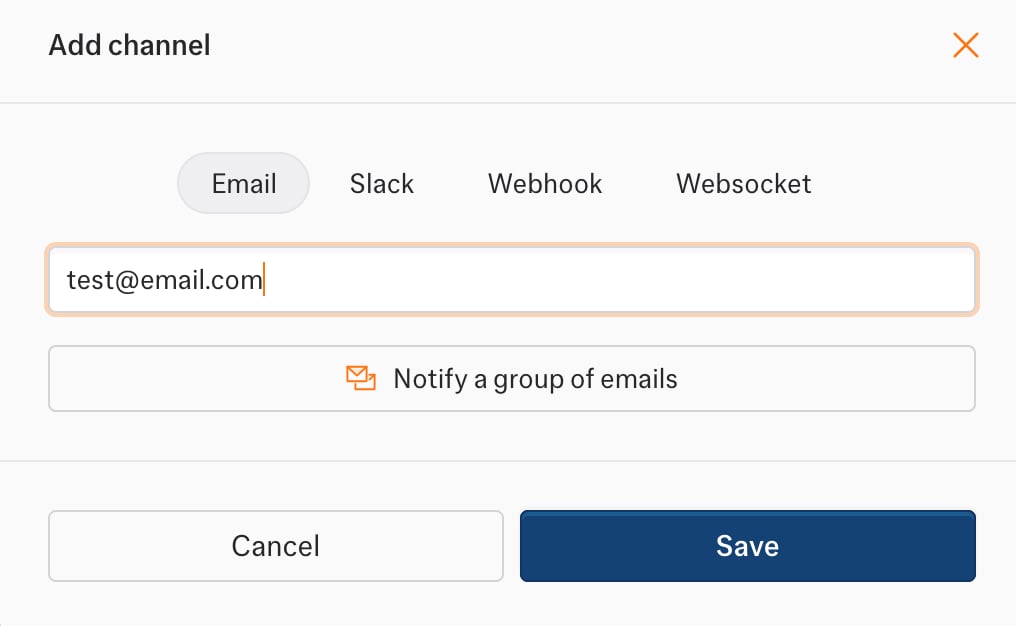
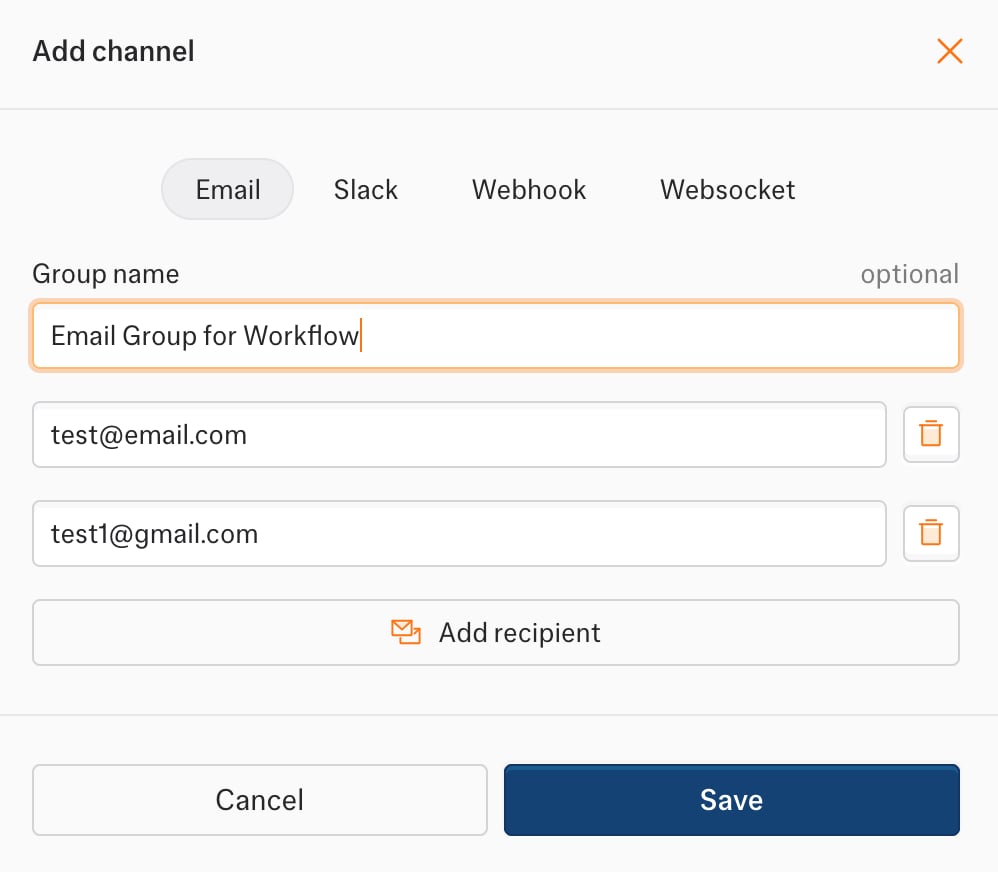
- Add one or more recipients. If you add several, give the group a name.
- Save the channel.
- Single recipient
- Group of recipients
Set up with code
EMAIL: true sends to your account email. Pass recipients to send to other addresses.
What each email contains
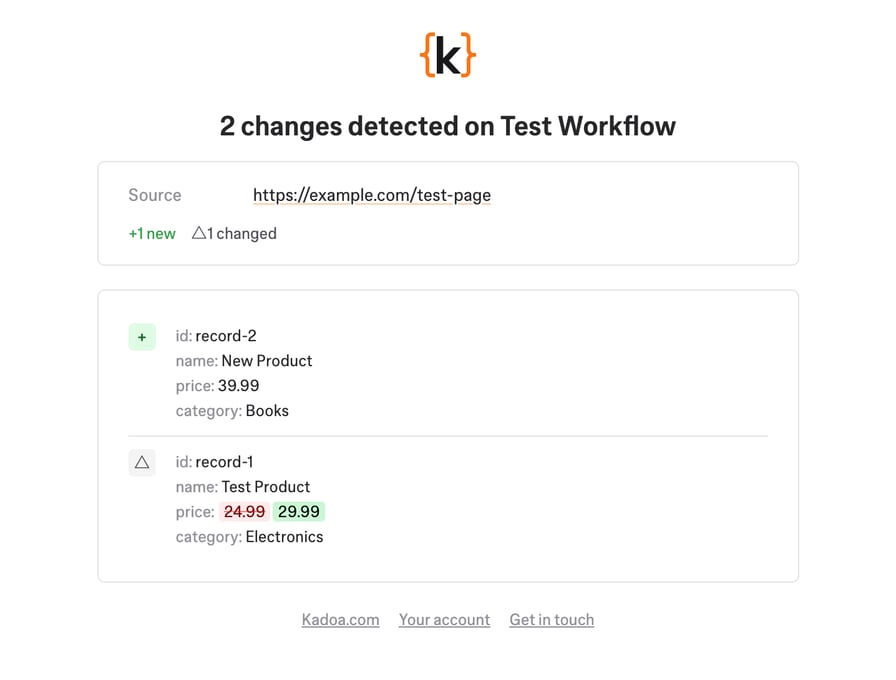
Each event type has its own email layout. Data change emails can also include an AI summary and a CSV attachment. Choose these under notification content.- workflow_data_change
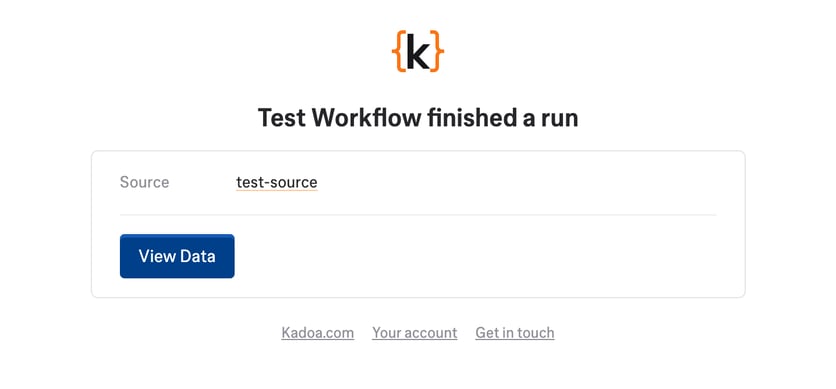
- workflow_finished
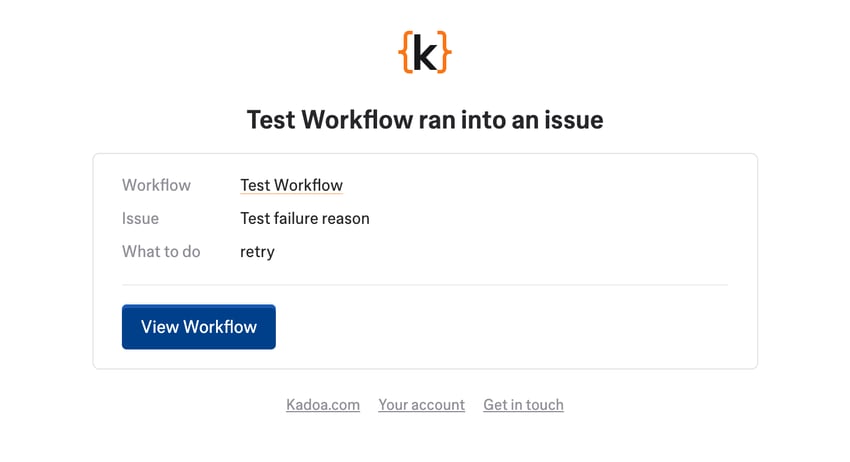
- workflow_failed
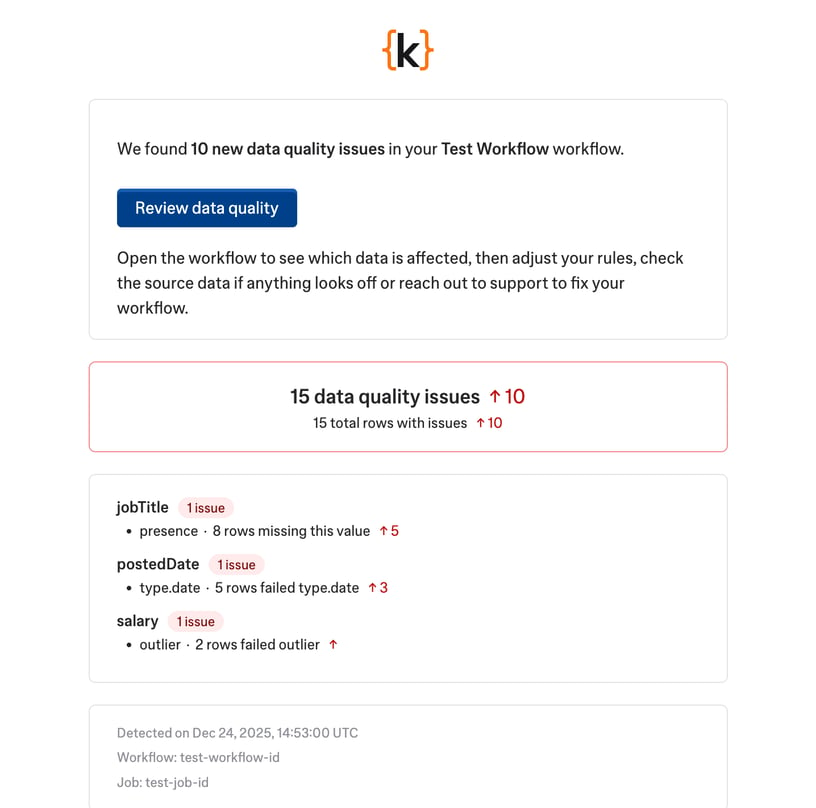
- workflow_data_quality_change
System emails
Kadoa sends these emails automatically. You cannot turn them off.- workflow_sample_finished
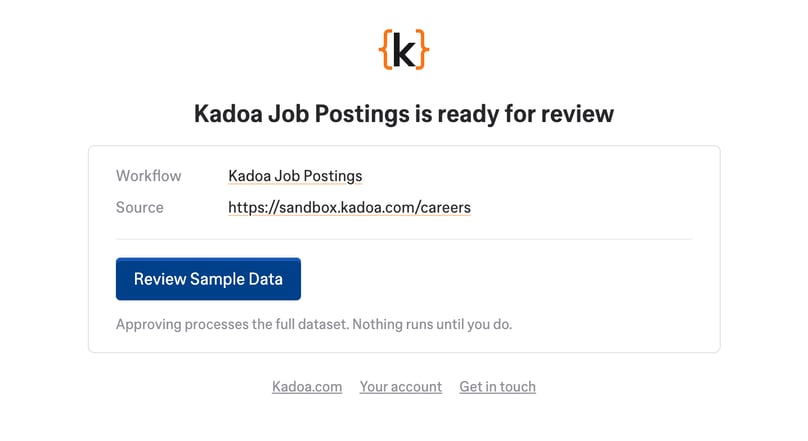
Sent to the workflow author when preview data is ready for review.