

https://mcp.kadoa.com/mcp, then sign in with your Kadoa account. You need no API key. For what your AI tool can do once connected, see Connect your AI tool.
Gemini
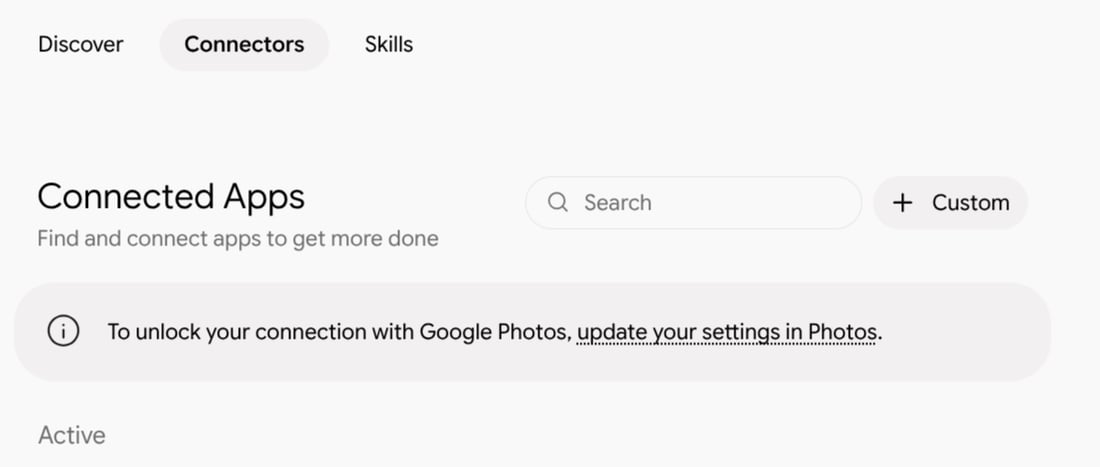
- In the Gemini app, go to Customize → Connectors and click + Custom
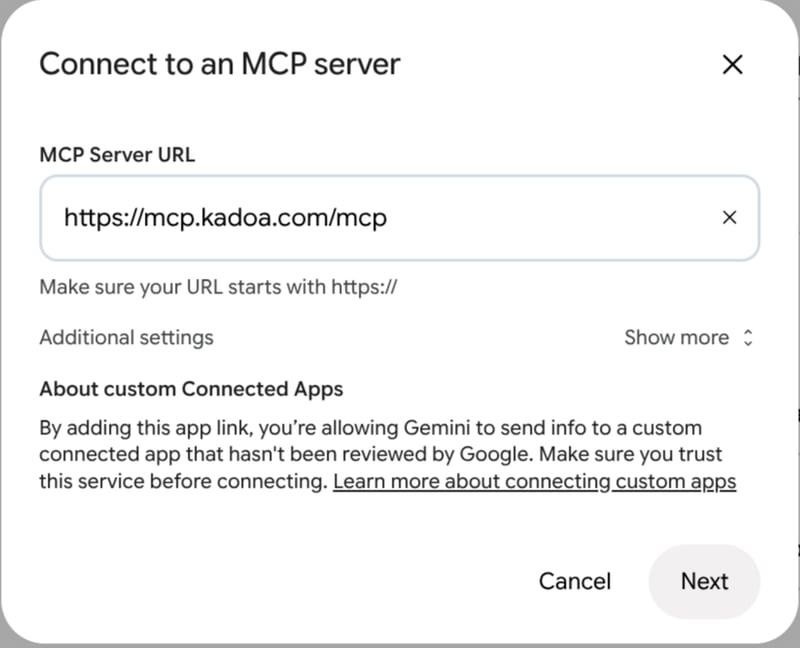
- Enter the MCP server URL
https://mcp.kadoa.com/mcpand click Next. Leave Additional settings as they are; no client ID or secret is needed.
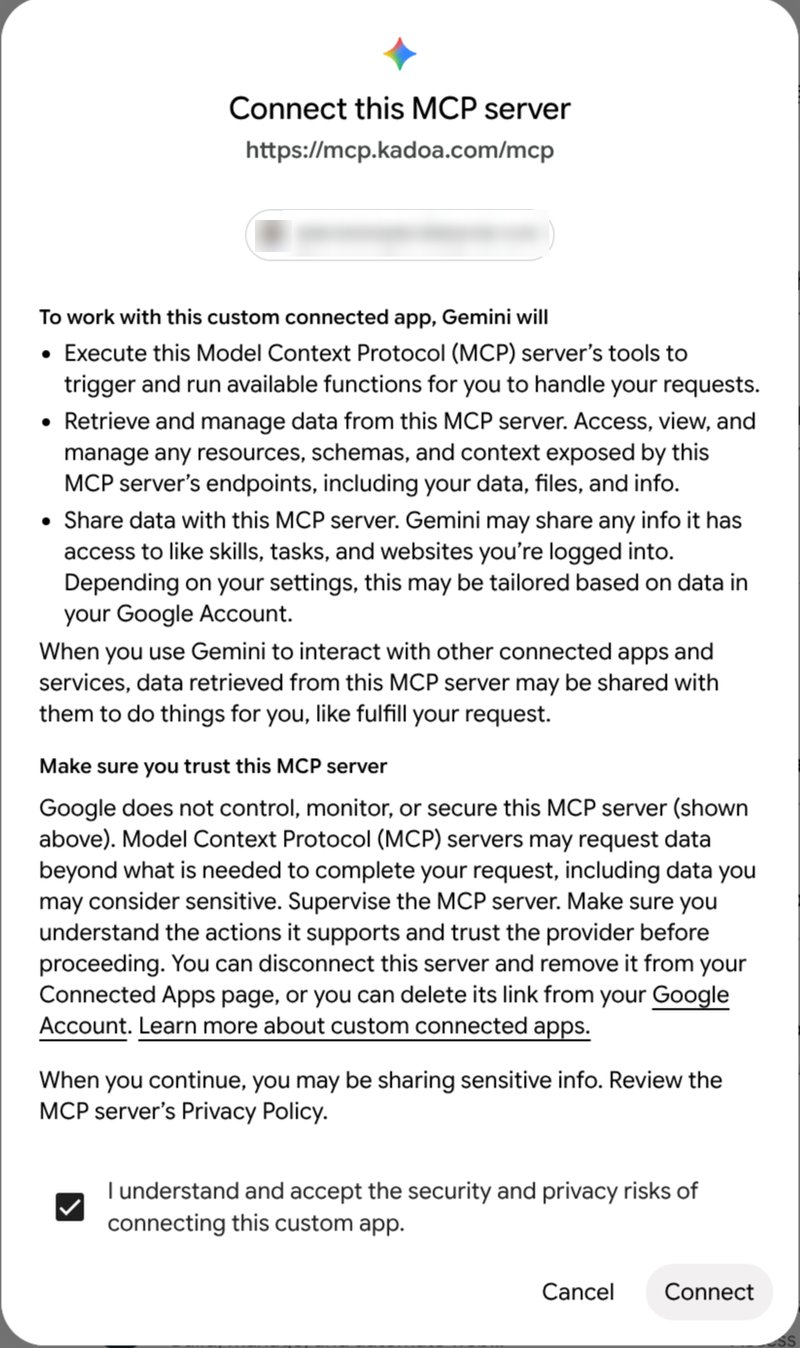
- Review the notice, check I understand and accept the security and privacy risks, and click Connect
- Sign in with your Kadoa account, choose your team, and approve access
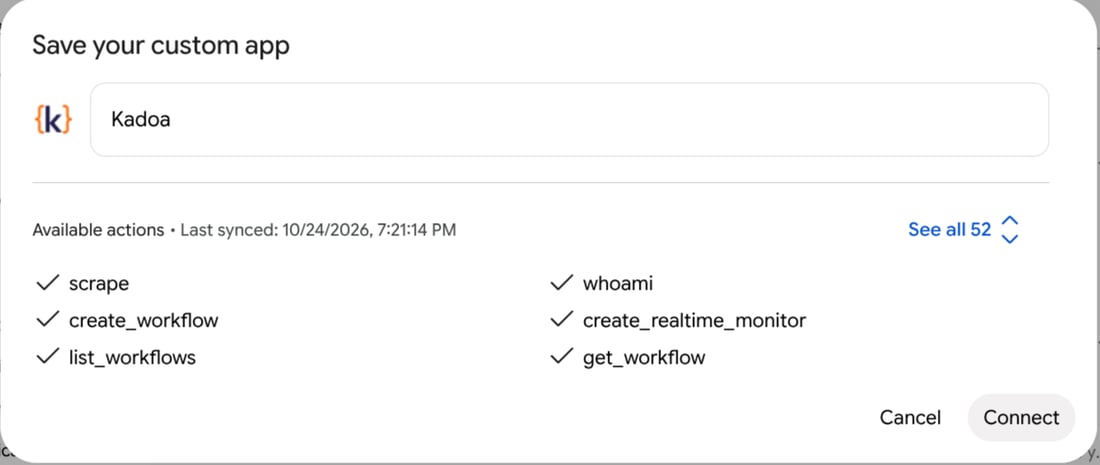
- Gemini lists the Kadoa tools it found. Keep the name
Kadoaand click Connect
Antigravity CLI

agy, run /mcp, and select kadoa to go through the authentication flow. Once signed in, kadoa shows as authenticated with its tools listed:
